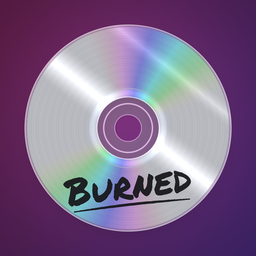
 Burned
Support
Burned turns a YouTube playlist into a disc that spins while it plays.
Playing
- Tap the disc to play or pause.
- Turn the disc with your finger to scrub through the song.
- Swipe the disc off to the side to skip. Left goes forward, right goes back.
- Tap the track number to flip the disc over to the jewel case and pick any song.
Burn your own
Tap the flame, paste a public or unlisted playlist link from YouTube or YouTube Music (Share → Copy link), name it and tap Burn. The name is written on the disc in marker. Tap the share button to send the mix to a friend; the link opens in the app or on the web.
iPhone Duo
Unfold your iPhone Duo and Burned opens like a jewel case: the booklet and video on one side, the disc in its tray on the other. Half-fold it and the lid’s shadow falls across the disc. Set it on a table sideways and the disc stands up on top, with the controls below.
Common questions
Why does the music stop when I leave the app? YouTube’s terms don’t allow embedded videos to keep playing in the background.
A song gets skipped. Some videos don’t allow playback outside YouTube, so Burned moves on to the next one.
“Couldn’t load this playlist.” Check that the playlist is public or unlisted, not private.
Contact
Burned is made by Finrez LLC. Reach us through finrez.xyz.